1) Start, run, regedit
2) Navigate to "HKEY_CURRENT_USER\Software\Microsoft\Windows\Current Version\Explorer\Shell Folders"
3) If there is no string in there called "Programs" put that in with the value: (note the double slashes - escape sequences - which are necessary)
C:\\Users\\%USERNAME%\\AppData\\Roaming\\Microsoft\\Windows\\Start Menu\\Programs
4) If the string is already present, and you are running Vista with UAC enabled (it prompts you to Continue/Cancel and/or enter a password before installing the game) log off, log on as an administrator, and install the game, and any expansion packs necessary.
5) Go into \Program Files (x86)\StarCraft and grant "COMPUTER\Users" full access to all subdirectories and all files.*
This will ensure you're able to save games, replays, download new maps, and update the application WITHOUT being an administrator.
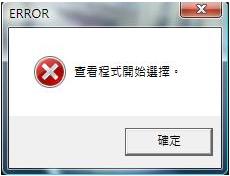
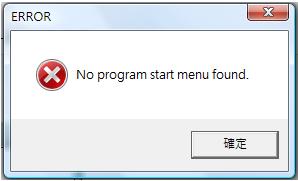
If you get an error message:
Type "regedit" into the Start Menu search box. Right click on the application, and run as administrator. 作者: alan_wong8 時間: 2009-5-28 22:33


 圖片附件: 2.jpg (2009-5-28 19:21, 7.02 KB) / 該附件被下載次數 117